



Optimise Your Images in WordPress
Unoptimised images remain the top reason websites load slowly. With images accounting for over 50% of a typical page’s weight in 2025, failing to compress and properly format them can cost you traffic, SEO rankings, and conversions. You can optimise your images in WordPress without losing quality, by resizing, compressing, lazy loading and moving to next-gen formats like WebP and AVIF.
A content-heavy blog, an Irish eCommerce site and a small business portfolio all pay the same price for heavy images, in speed, search visibility and patience. Our technical SEO services cover this if you would rather not do it yourself.
Why Optimise Images in WordPress? (2025 Statistics)
Unoptimised images are still the leading cause of poor load times. In 2025, images account for about 50% of a typical web page’s weight. Research shows that 53% of users will leave a site if it takes more than 3 seconds to load. For WordPress websites, that means a slow site is a leaking funnel, costing you leads, conversions, and return visitors.
One second of extra page load time reduces conversion rates by 7%. For Irish businesses that live on enquiries or online sales, that is real money. Optimising your images reduces total page size, speeds up mobile performance, and improves metrics like Core Web Vitals, Google’s key ranking factors. Even text-heavy sites benefit, as faster loading creates a better experience across all devices.
If you’re looking to improve your overall site speed optimisation, image optimisation should be your first priority.
How Image Optimisation Improves SEO in 2025
Google’s algorithm now places more weight on real user experience metrics like page load speed and layout stability. Image-heavy pages that are not optimised are penalised in search rankings, especially in mobile results. Optimised images help improve Largest Contentful Paint (LCP), one of the core metrics used in SEO rankings.
Proper image optimisation also boosts on-page SEO. Using descriptive filenames and alt text helps search engines understand the context of your visuals. This enhances accessibility and improves rankings in Google Image Search, an often overlooked but high-traffic source. Our SEO strategy development services can help you create a comprehensive approach to technical optimisation.
What Is Image Optimisation and How Does It Work?
Image optimisation refers to reducing the image file size without affecting the visual quality. This is achieved by compressing, resizing, and using efficient image formats suitable for the web. The goal is to reduce the bandwidth demand on your server whilst maintaining the clarity and usefulness of the images.
Compression comes in two forms: lossless and lossy. Lossless image compression reduces file size without removing any image data. Lossy compression removes some data to achieve a smaller file, though the difference in quality is often imperceptible. Whether you do this manually or with automation, the objective remains the same, delivering high-quality images with minimal performance cost.
How to Resize and Compress Images Without Losing Quality

Before uploading images to your WordPress media library, they should be resized and compressed to match the display requirements of your theme. Uploading a 4000px-wide photo for a 600px slot is a waste of bandwidth and disk space.
To resize and compress images effectively, you can use tools like TinyPNG or Squoosh for quick online optimisation, or desktop applications like RIOT (for Windows) and ImageOptim (for Mac). These tools reduce the image file size without compromising the quality, offering full control over output settings. You can also use Photoshop’s “Save for Web” function or alternatives like Video Candy for quick pre-upload optimisation.
This process is part of our comprehensive SEO audit and analysis service, where we examine all aspects of your site’s technical performance.
What Are the Best Plugins to Optimise Your Images in WordPress?
For many site owners, using a dedicated WordPress plugin streamlines the image optimisation process. The best plugins in 2025 offer bulk compression, lazy load support, and automatic conversion to formats like WebP and AVIF.
Smush Pro is a leading choice for its all-in-one features including bulk optimisation, CDN support, and intelligent format conversion. ShortPixel is another high-performance plugin offering AVIF support and efficient compression without degrading image quality. Imagify stands out for its ease of use and effective WebP conversion. EWWW Image Optimiser provides more technical control and can be configured for either local or cloud-based compression.
Avoid using more than one optimisation plugin at a time. Conflicts can occur, and using multiple solutions often results in lower performance, not better.
Should You Convert Images to WebP or AVIF?
Modern image formats like WebP and AVIF are designed for the web, offering excellent compression and quality balance. WebP files are typically up to 70% smaller than JPEG or PNG equivalents without noticeable loss in quality, and are supported by all major browsers. AVIF delivers even better compression but with more limited support, making it ideal for creatives and image-heavy portfolios.
Using these formats helps reduce image file sizes significantly, which directly impacts your page load time and SEO performance. You can convert images using browser tools like Squoosh or automate the process with plugins like ShortPixel, Imagify, or Smush Pro. Wherever possible, convert images to WebP or AVIF before uploading to ensure you’re delivering the lightest version possible.
This forms part of our eCommerce SEO solutions for online retailers looking to maximise their site performance.
How to Compress Images Before Uploading to WordPress
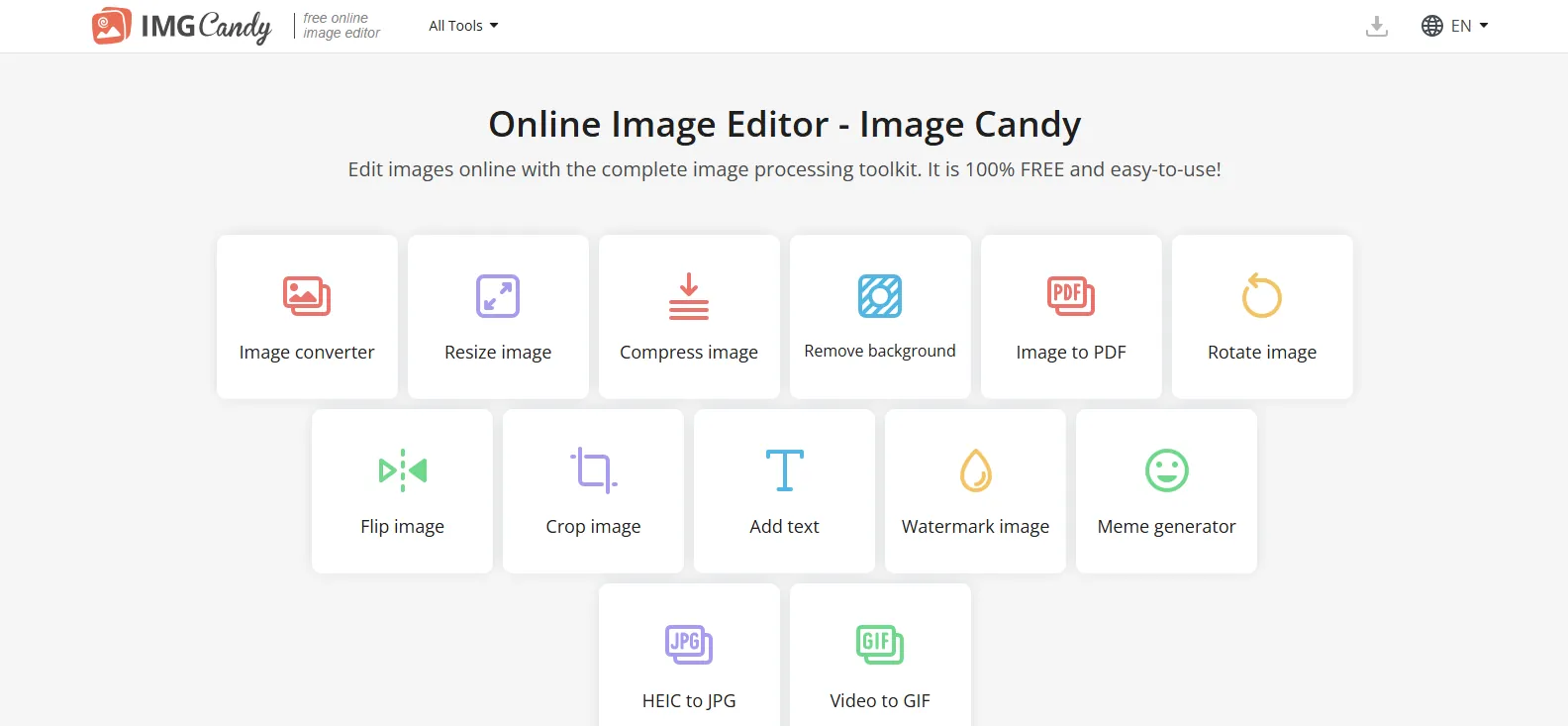
The best way to keep a site fast is to compress your images before they reach the WordPress media library. That removes the risk of uploading oversized files that slow the site down.
Use desktop apps like ImageOptim or RIOT, or web-based tools like TinyPNG or Squoosh. These solutions allow you to fine-tune compression levels, preview quality differences, and reduce unnecessary metadata. For batch editing and resizing, tools like Photoshop or Video Candy are ideal, especially if you work with high-resolution assets.
Uploading uncompressed, original images is a common mistake. It bloats your media library, and it slows caching and delivery.
What Lazy Loading Is and Why to Use It
Lazy loading is a performance technique where images are only loaded when they appear in the user’s viewport. This means offscreen images don’t load until a visitor scrolls down, reducing the initial page load time.
Since WordPress 5.5, lazy loading is supported by default. However, you can gain more control and customisation with plugins like WP Rocket or a3 Lazy Load. For image-heavy blogs, product galleries, or long-format content, lazy loading can significantly reduce load times, especially for mobile users.
Lazy load directly contributes to better Core Web Vitals, particularly Largest Contentful Paint and Time to Interactive. For Irish sites where most visitors are on a phone, it pairs with our site speed optimisation work.
Using an Image CDN for Faster Global Delivery
An Image CDN (Content Delivery Network) hosts and serves your image files from geographically distributed servers. This reduces latency by delivering assets from a server closer to the user, speeding up load times globally.
In WordPress, services like Cloudflare, Jetpack Site Accelerator, and Cloudinary provide CDN support with built-in image optimisation features. These platforms automatically resize images, compress them, and convert them to modern formats based on the user’s browser.
For Irish businesses with international customers or sites with high traffic volume, using an image CDN helps maintain speed and stability without adding server load. This is particularly important for eCommerce websites that need to perform well globally.
Common Mistakes to Avoid with Image Optimisation

Many WordPress users unknowingly harm their site performance by uploading original, uncompressed image files. Another common mistake is relying entirely on plugins without compressing files before upload. Plugins can help, but they shouldn’t replace a proper workflow.
Using multiple optimisation plugins at once can cause conflicts and degrade performance. Failing to add descriptive filenames and alt attributes limits the SEO benefits of image content. Skipping WebP or AVIF conversions also means missed opportunities for reducing file sizes and improving loading times.
Consistency is key. A streamlined approach, resize, compress, convert, upload, then optimise in WordPress, is the most reliable method. Our SEO roadmap creation service can help you develop a systematic approach to technical optimisation.
WordPress SEO Checklist for Image Optimisation (2025)
Track your progress and optimise your WordPress images for better performance
- Resize images to match their display dimensions
- Use descriptive file names and alt text for every image
- Compress images before uploading using external tools
- Convert to WebP or AVIF wherever supported
- Enable lazy loading across all site areas
- Use a single, reputable optimisation plugin
- Consider using a CDN for automatic resizing and compression
- Avoid uploading full-resolution, uncompressed images
This checklist forms part of our comprehensive SEO services, ensuring your WordPress site performs optimally across all technical aspects.
What to Remember
Images make up over 50% of the average page size in 2025.
A 1-second delay in load time can reduce conversions by 7%.
WebP and AVIF are the most efficient formats for modern websites.
Compress images before uploading to WordPress, not just after.
Use one dedicated plugin like Smush, ShortPixel, or Imagify.
Enable lazy load to delay offscreen image loading.

Use an image CDN for scalable, automatic optimisation.
Proper image SEO improves rankings, accessibility, and mobile UX.
For WordPress users in Ireland and beyond, these are the practices that improve performance, SEO and what a visitor thinks of the site.
If you want help with WordPress optimisation or a full SEO strategy, we can take it on.