



Your WordPress site is redirecting visitors to a scam page. Or Google has put “This site may be hacked” under your listing. Or you searched for your own business and found hundreds of pages in Japanese you have never seen before.
Breathe. It can be fixed.
We have cleaned exactly this off Irish business websites. The Japanese keyword hack, twice: on Aloco Kitchens and on Insurance Claim Solutions.
Both sites were cleaned. Both recovered in search. Insurance Claim Solutions came to us because of the hack, and they have been a client ever since.
If you would rather hand it to someone who has done it before, tell us what you are seeing.
How to tell if your WordPress site has been hacked
Some hacks announce themselves. Others are built to stay hidden. Look for:
- “This site may be hacked” under your listing in Google, or a warning in Search Console’s Security Issues report.
- Visitors being sent to spam or scam sites, sometimes only on phones, or only when they arrive from Google.
- Pages you didn’t create showing up when you search Google for
site:followed by your domain, often in Japanese or full of pharmacy or counterfeit-goods terms. - Administrator accounts you don’t recognise in WordPress, or owners you don’t recognise in Search Console.
- A warning from your browser when you open your own site.
- An email from your host saying your account is suspended or sending spam.
Any one of these is enough to act today.
The Japanese keyword hack, and why you might not see it
This is the hack behind both of those clean-ups, and it is nasty because you can look at your own website and see nothing wrong.
Google’s own guide to the Japanese keyword hack explains what it does. It creates pages of automatically generated Japanese text in random folders on your site, stuffed with affiliate links to shops selling counterfeit goods.
Those pages get indexed under your domain. They borrow the trust your site has built.
Two tricks keep it hidden.
The hacker usually adds themselves as an owner of your site in Google Search Console, so they can manage how Google sees it. And the pages are cloaked: they show the spam to Google and a normal page to you, so the problem looks gone when it isn’t.
It is the hack we cleaned off Aloco Kitchens, a kitchen maker in Dublin, and off Insurance Claim Solutions, a loss assessor. Two very different businesses. The same spam, under both their names.

The quickest check is a site: search on Google for your own domain. If Japanese titles come back, that is a strong sign of it.
What to do in the first hour
Don’t panic, and don’t start deleting files. You can destroy the evidence of how they got in, and they will simply come back through the same door.
- Write down what you see. WordPress.org’s own guidance starts here: what you noticed, when, and anything that changed recently, like a new plugin, a theme change or a new widget.
- Lock it down. Change every password: WordPress users, your hosting account, FTP or SFTP, and the database. Remove any WordPress user you don’t recognise.
- Check Search Console owners. Remove any owner or user you didn’t add. Google’s guide to the Japanese keyword hack lists removing owners you did not add first among its fixes.
- Call your host. They may already know, may have clean backups, and can tell a hack from an outage.
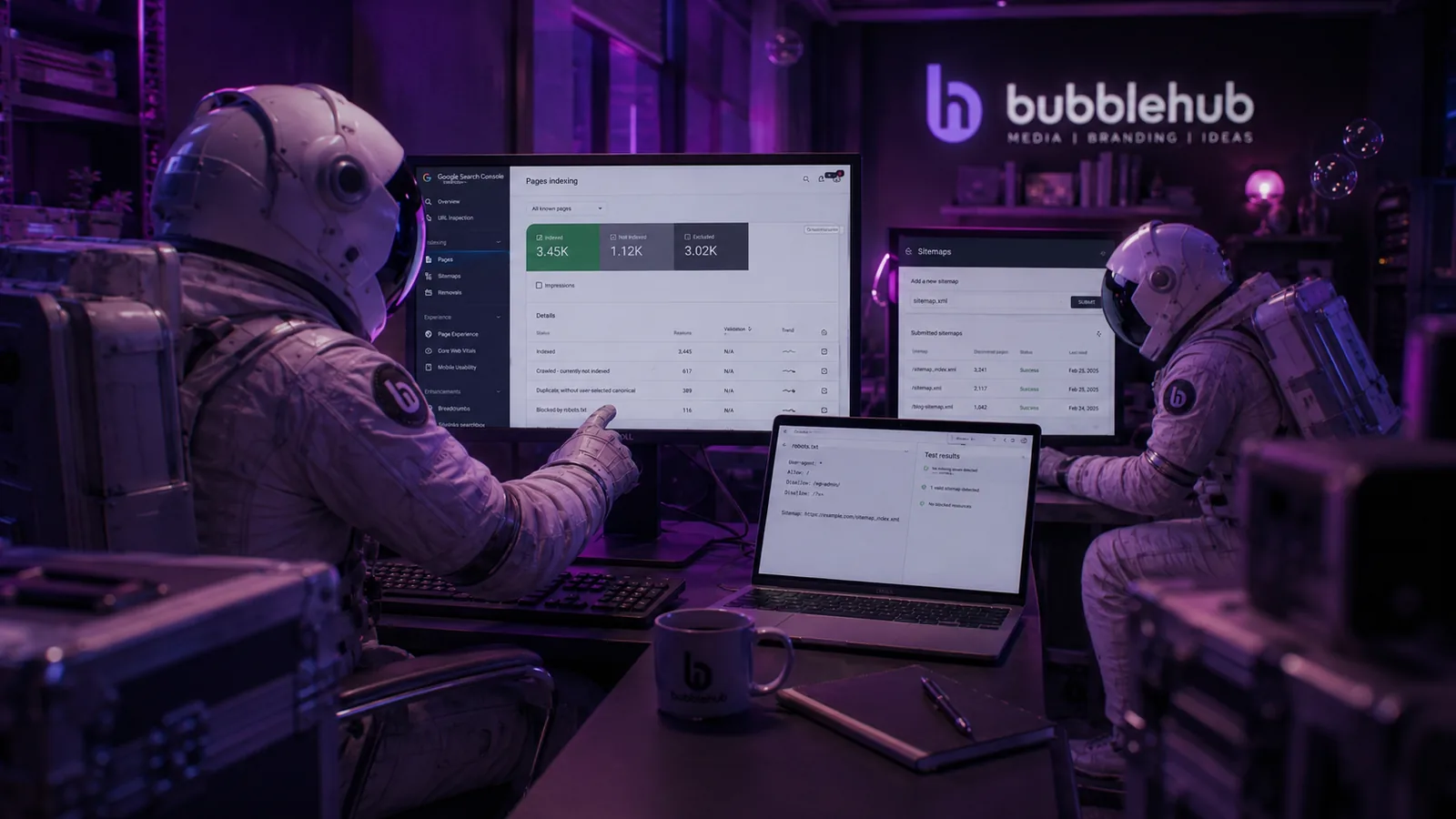
How to fix a hacked WordPress site, step by step
There are two routes. Restore a clean backup, or clean the site you have. Either way, the goal is the same: remove every trace of the hack, and close the hole it came through.
1. Restore a clean backup, if you have one
If you have a backup from before the hack, restoring it is the fastest route.
The catch is knowing when the hack started. Hacks can go unnoticed for weeks. Check that the backup you restore is genuinely clean, then do every step below anyway.
2. Replace WordPress, plugins and themes with fresh copies
Reinstall WordPress core, and replace every plugin and theme with a fresh copy from its official source. Hacks hide in files that look like they belong. Replacing them beats hunting through each one.
3. Hunt down the files that shouldn’t be there
Google’s guide says to look for PHP files containing obfuscated code, with functions like base64_decode, rot13 and eval. Look hardest where PHP has no business being, such as the uploads folder, and in folders with random names you didn’t create.
4. Replace your .htaccess file
Hackers use the .htaccess file to redirect visitors and to cloak spam from you. Don’t try to tidy it. Replace it. Google’s guide suggests replacing it with a completely new copy, unless you have custom rules.
5. Check users, and reset your security keys
Remove every WordPress user you don’t recognise, especially administrators. Then generate new security keys in wp-config.php, which logs everyone out, including anyone still holding a stolen session.
6. Update everything, and close the hole
Update WordPress, every plugin and every theme. Delete the ones you don’t use. A common way in is an out-of-date plugin. If you don’t close the hole, the hack comes back.
7. Make the spam pages disappear
Once the site is clean, the spam addresses should return “not found”. Check your XML sitemap for spam URLs too, and remove them. Then use Search Console’s URL Inspection tool on a few of the spam addresses to confirm Google now sees a missing page, not the spam.
How to get Google’s “This site may be hacked” warning removed
When you are sure the site is clean, go to the Security Issues report in Search Console and request a review. Explain what you found and what you fixed. Be specific.
Don’t ask too early. Google warns that requesting a review while the problem still exists only keeps your site flagged for longer.
Google says a review for spam can take up to several weeks, and a few days for malware. Then Google’s answer appears in your Messages in Search Console. Once Google finds the site is clean, the warnings in search results and browsers come off.
How long it takes to recover your rankings
What hurts is the spam sitting beside your real pages, the warnings putting people off, and Google trusting the site less while it is compromised.
Once the site is clean, the spam pages drop out of Google’s index as it recrawls them and finds nothing there. There is no fixed timeline, and a big spam infection takes longer to clear than a small one.
Aloco Kitchens and Insurance Claim Solutions both recovered in search after their clean-ups. A hack is a setback. It doesn’t have to be the end of the rankings you built.
WordPress malware removal, yourself or with help
You can do this yourself if you are comfortable with FTP, file permissions and a database, and if you are confident you can tell which files belong. A security plugin’s scanner helps you find the obvious changes.
Get help if the hack keeps coming back, if you can’t see it but Google can, if the site takes payments or holds customer data, or if you simply don’t have the days it takes.
Cleaning only part of a hack leaves the rest to bring it back.
And if customer data may have been exposed, the clock is already running. In Ireland, the Data Protection Commission must be told within 72 hours of becoming aware of a breach, unless it is unlikely to put anyone at risk. Our WordPress security checklist explains that duty.
How to stop it happening again
Hacks can come in through something that wasn’t being looked after: an out-of-date plugin, a reused password, an old user account nobody removed.
Our WordPress security checklist covers every step that keeps a site closed: updates, strong passwords and two-factor authentication, backups you have actually tested, and a firewall. Work through it the week you are clean, while you still remember how this felt.
Questions people ask about hacked WordPress sites
Why are there Japanese pages in Google for my website?
That is likely the Japanese keyword hack. It creates spam pages in random folders on your site and hides them from you. Search Google for site: followed by your domain to see them, then follow the steps above.
Will I lose my Google rankings after a hack?
You can lose ground while the site is compromised, mostly through warnings and spam. Once it is clean and Google has reviewed it, warnings come off within 72 hours. Rankings have no set timeline. The longer a hack is left, the longer the recovery.
Can I just restore a backup?
Only if the backup is from before the hack, and even then you need to close the hole they came through, or they will be back.
Should I delete my website and start again?
Almost never. Your domain, your pages and the links pointing at them are what your rankings are built on. Clean the site you have.
How much does it cost to fix a hacked WordPress site?
It depends on how deep the hack goes and how long it has been there. Tell us what you are seeing and we will tell you what it will take before any work starts. Our WordPress hosting and maintenance packages include security scanning, a firewall, anti-malware protection and daily backups on Premium.
If you’d rather hand it to someone who has done it before
A hacked site is stressful, and every day it stays hacked costs you customers and trust.
You don’t have to learn all of this in a week.
We have cleaned the Japanese keyword hack off Irish business sites and brought them back in search. Tell us what you are seeing, and we will tell you straight what it will take to fix it. No obligation.