



How Slow Loading Times Cost Irish Businesses Customers
Visitors leave a slow page before it finishes loading, and they take the enquiry with them.
I’m Dave McCormack. Here is what page speed does to rankings and sales on an Irish website.
Speed affects where you rank and how many visitors buy, not only how long someone waits for the page.
Speed and the Irish Visitor
Many sites deliver poor mobile experiences. A slow site on a phone is likely to lose visitors before they read anything.
What Is Website Speed and How It Affects SEO?
Page speed work means making your site load faster so it ranks better and is easier to use at the same time.
Speed is a ranking factor, but Google does not reduce it to one number.
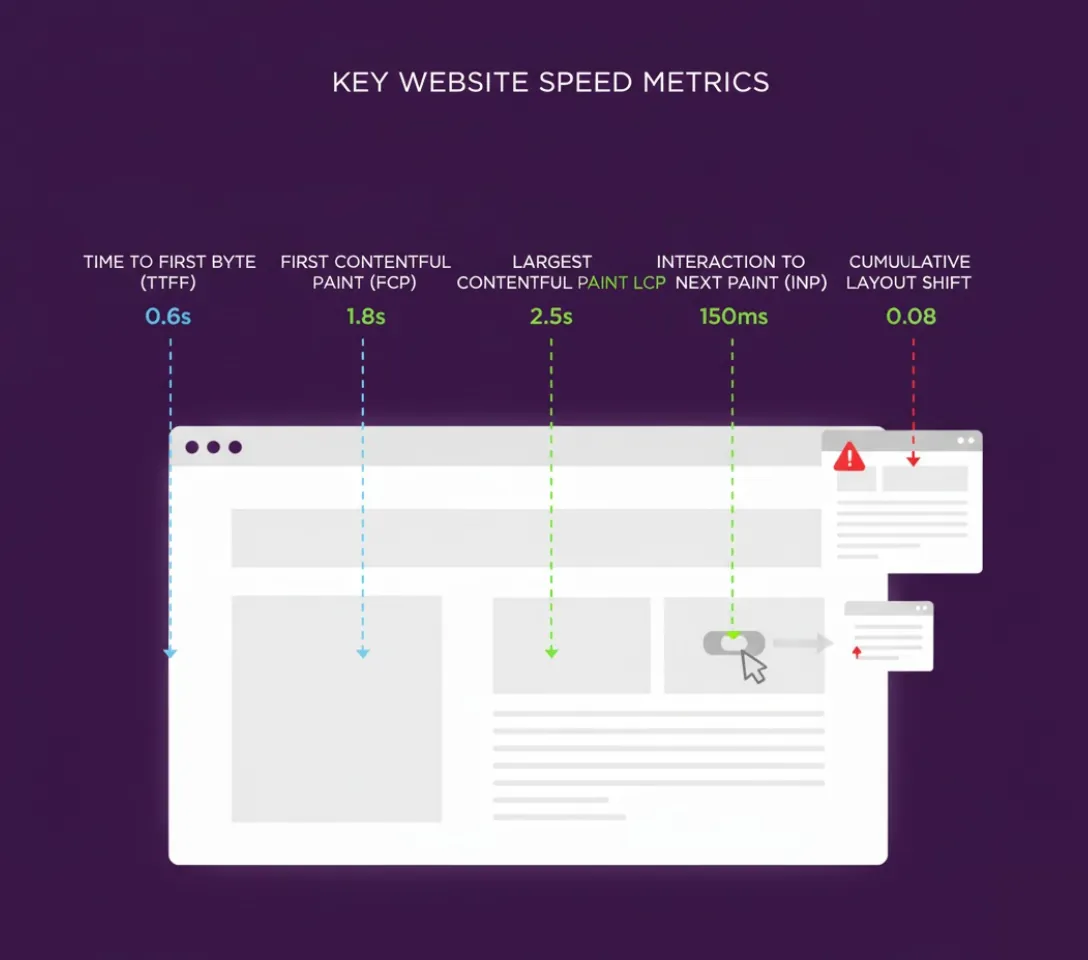
Google measures several speed metrics, each telling a different story about user experience. The three Core Web Vitals are Largest Contentful Paint (how quickly your main content appears, good at 2.5 seconds or less), Interaction to Next Paint (how fast your site responds to clicks and taps, good at 200 milliseconds or less) and Cumulative Layout Shift (visual stability while loading, good at 0.1 or less).
Time to First Byte (server response speed, good at 800 milliseconds or less) is not a Core Web Vital, but it helps show where a slow page starts.
If you’ve ever landed on a page and stared at a white screen for a few seconds, slow server response may be the cause. When pages take a long time to load, many visitors leave.
Google collects this data from real Chrome users across Ireland and worldwide. They measure actual loading performance on fast fibre connections and slow mobile networks alike.

That real-world data feeds straight into where you rank.
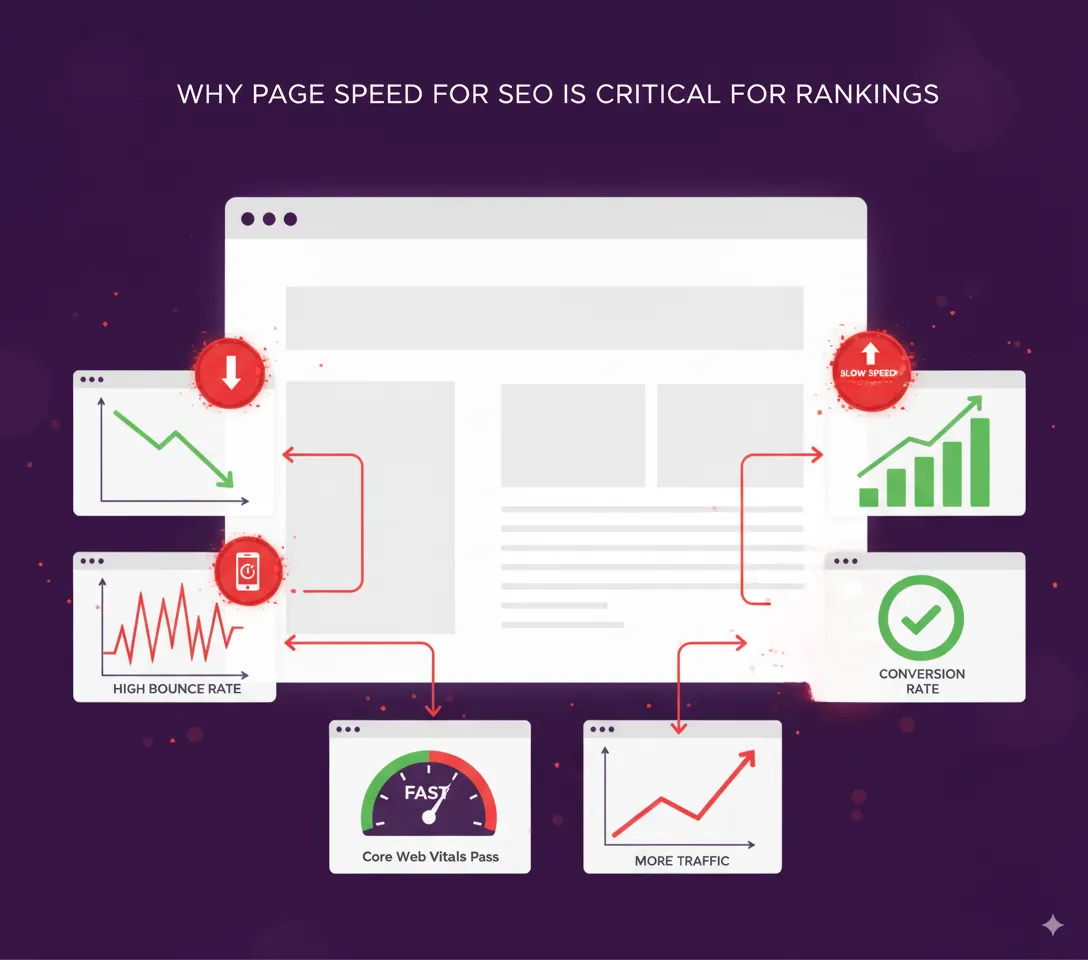
How Page Speed Affects Your SEO Rankings
Google has used page speed as a ranking factor since 2010. Page speed is one of the signals that can affect where a page appears in results.
And in 2018 Google ramped up the importance of page speed with their “Speed Update.”
A slow loading website can hurt your Google rankings.
Google does not test your site once in perfect conditions. It uses field data from real user sessions, so a site can score well in a testing tool and still rank poorly if real visitors are left waiting.
So how does Google work out your site’s loading speed?
They haven’t made any official statements on the exact formula. But considering that they report on all of these metrics in their PageSpeed Insights tool tells me that they probably use a combination of different page speed measurements.

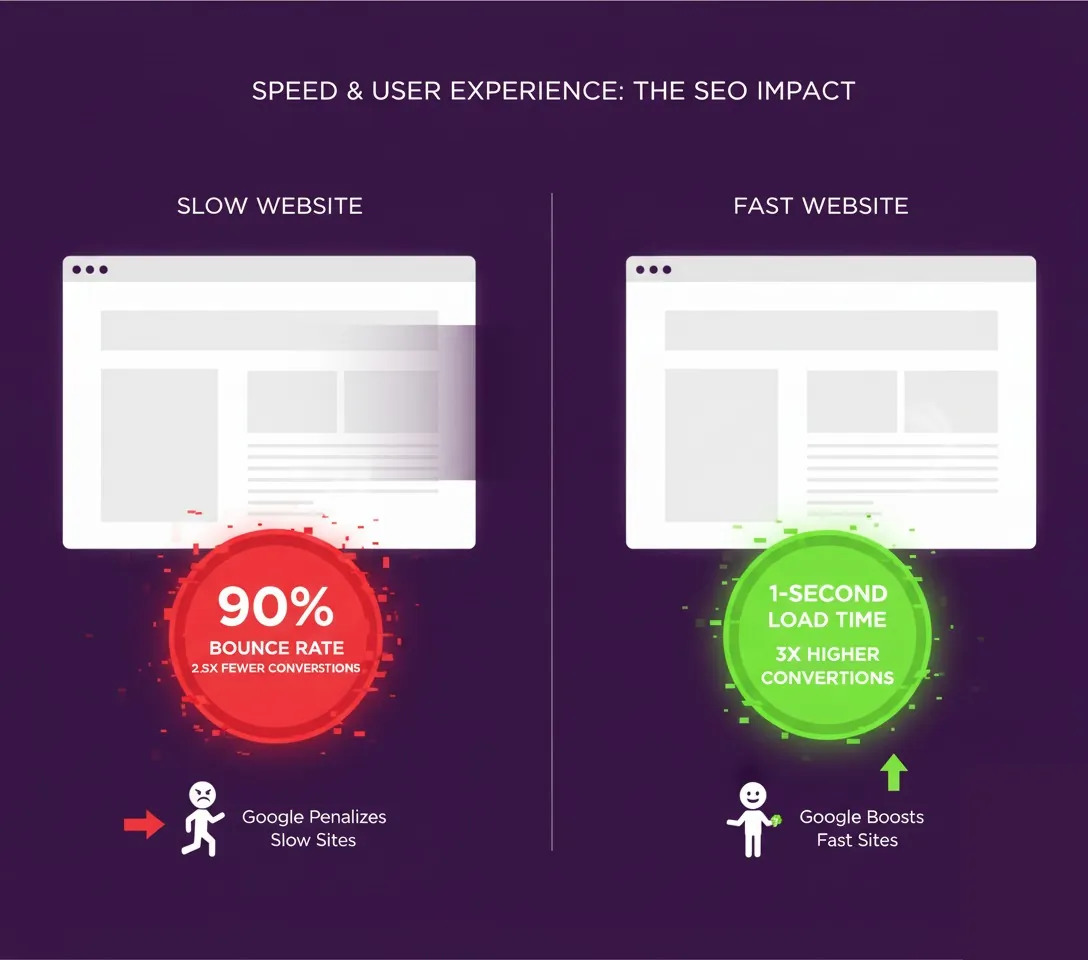
Google’s research found the chance of a bounce rose 32% as load time went from 1 to 3 seconds. Slower pages lose visitors before they see your offer.
How Website Performance Impacts User Experience
Slow pages cost visitors, and the cost grows as the wait grows.
The longer a page takes to load, the more visitors leave before they read anything.
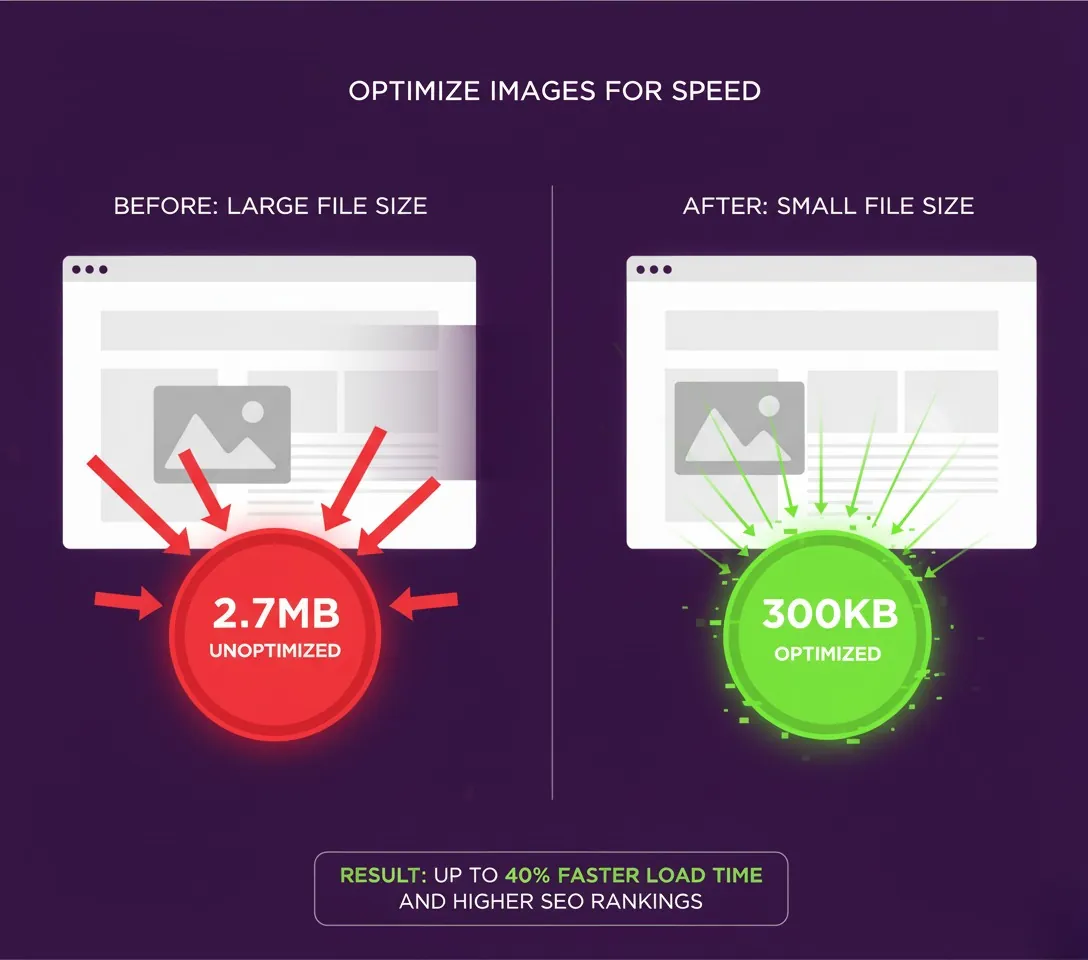
Compress Images for Better Load Speed
I put this first because it’s usually the biggest win.
After all, images are usually the heaviest part of a page. The performance of your website depends heavily on image optimisation.
A photo straight from a phone camera can run to several megabytes. Ten of them on one homepage add up quickly.
No wonder the site loads slowly.
So the more that you can compress your images, the faster your page will load.
If your site runs on WordPress, then I highly recommend a plugin called WP Smush or ShortPixel. These automatically compress any image that you upload to the WordPress media library.

Not using WordPress? There are still plenty of image compression options out there like Squoosh.app (free Google tool), TinyPNG (popular online compressor), and ImageOptim for Mac users.
The modern approach is converting all images to WebP format. WebP files are usually smaller than JPEGs.
Upgrade Your Hosting for Better Site Speed
This is one tip that I don’t see enough SEO experts talking about.
You can compress images and clean up code all day long. But cheap shared hosting can leave a site slow to load.
That’s because you’re sharing a server with thousands of other websites.
Cheap shared hosting can mean a slow website, and a slow website can hurt rankings.
There are thousands of web hosts out there and I won’t name one. As a general rule you get what you pay for.
Hosting in Ireland or the UK improves Time to First Byte for Irish visitors.

So if you’re serious about optimising your website for search rankings, it might be time to upgrade to a premium host or dedicated server.
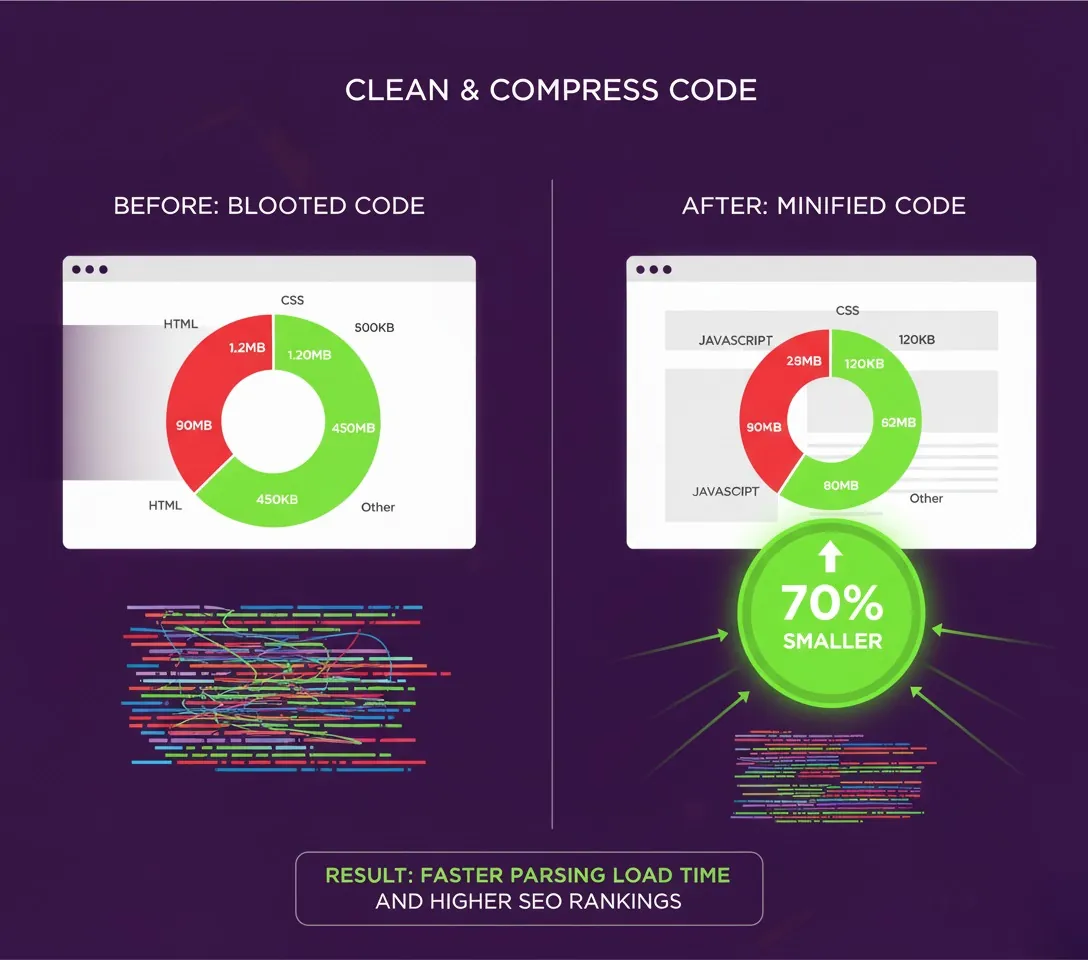
Clean and Compress Your Code
In other words, minify the resources on your page.
This includes HTML, CSS, JavaScript, and any other code found on your page.
Your first step should be to clean up any bloated code that you have on your page. This extra code could be from features you don’t use anymore, old plugins you forgot about, poor developer work, or unused themes and widgets.
Either way, the cleaner your code, the faster things load.
Then, compress your code using a program like GZip or Brotli.
WordPress users should install Autoptimise or WP Rocket to handle this automatically.

Activate Browser Caching for Faster Page Loading
This allows users to store parts of your page in their browser cache.
So the next time they visit your site, it loads much faster. Return visitors feel the difference straight away.
Unfortunately, this won’t help your page load any faster for first-time visitors. But it’s great for improving loading speed for people who have visited your site before.
Long cache times suit files that rarely change, such as stylesheets and images. Keep HTML pages on a shorter setting.
You can set up browser caching in your .htaccess file. Or with a WordPress plugin like WP Rocket.
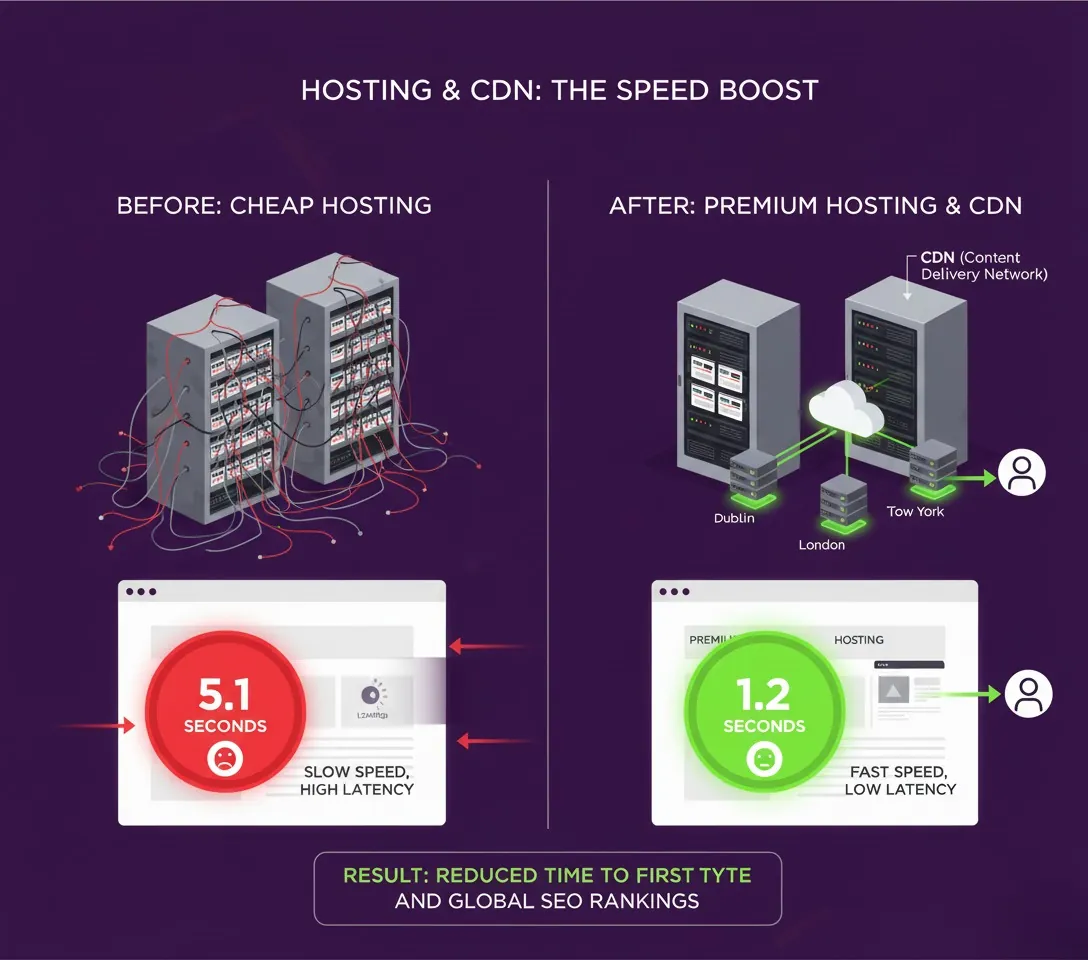
Implement a CDN for Speed and Efficiency
A Content Delivery Network (CDN) is one of the easiest ways to boost your site’s loading speed.
A CDN works out where your visitor is, then serves your site’s files from a server close to them.
A CDN makes the biggest difference for visitors far from your server, and it takes load off your own server.
Popular CDN options include Cloudflare, which has a free tier, and Amazon CloudFront.
Optimise for Core Web Vitals
Google’s Core Web Vitals are the speed metrics that matter most for SEO.
For Largest Contentful Paint optimisation, focus on optimising your largest image or text block, improving server response times, removing render-blocking CSS and JavaScript, and using preloading for critical resources.
Interaction to Next Paint optimisation requires minimising JavaScript execution time, breaking up long-running tasks, optimising event handlers, and reducing DOM complexity.
Cumulative Layout Shift optimisation means always specifying image dimensions, reserving space for dynamic content, using font-display: swap for web fonts, and optimising third-party script loading.
Test Your Page Speed and SEO Rankings
Once the changes are in, test them, and test with more than one tool.
The first is Google PageSpeed Insights.
Google’s tool scans your page’s code for problems and opportunities. It also includes real user data, called field data, that shows how your site performs for real visitors.
One word of warning: you’ll sometimes find that the tool’s recommendations don’t make sense for your site. For example, Google’s tool might recommend removing render-blocking resources, but implementing this incorrectly can break your site’s design.
There is a lot of useful detail in the tool, and I would act on as much of it as you safely can.
GTmetrix gives you detailed waterfall charts showing exactly which resources slow your site down, so when a page loads slowly you can see why.
Finally, use WebPageTest.org. WebPageTest loads your page in actual browsers from different locations worldwide. This gives you the most realistic picture of how your site performs.
For the main content to load, Google’s Largest Contentful Paint rates 2.5 seconds or less as good and anything over 4 seconds as poor.
Test from multiple locations like Dublin, London, and New York. Test on both desktop and mobile. Test at different times of day and create before/after comparisons.
Advanced Speed and User Experience Optimisation
Database Optimisation
WordPress sites accumulate digital clutter over time including spam comments and post revisions, unused plugins and themes, broken links and old media files, plus unoptimised database tables.
Clean up regularly using plugins like WP-Optimise for database cleanup. Remove unused plugins completely rather than just deactivating them. Delete old themes you’re not using and optimise database tables monthly.
Mobile Page Load Speed Optimisation
Many Irish visitors arrive on a phone. If your mobile site is slow, you lose a large share of them.
Focus on testing with actual devices rather than just browser emulators. Optimise touch interactions and button sizes. Reduce image sizes specifically for mobile screens and prioritise above-the-fold content loading.
Third-Party Script Management for Better Speed and Performance
Common performance killers include social media widgets, chat systems, analytics tracking codes, and advertising scripts.
Optimise these by loading third-party scripts asynchronously, using script loading delays, conducting regular third-party audits, and implementing consent management properly.
Common speed mistakes
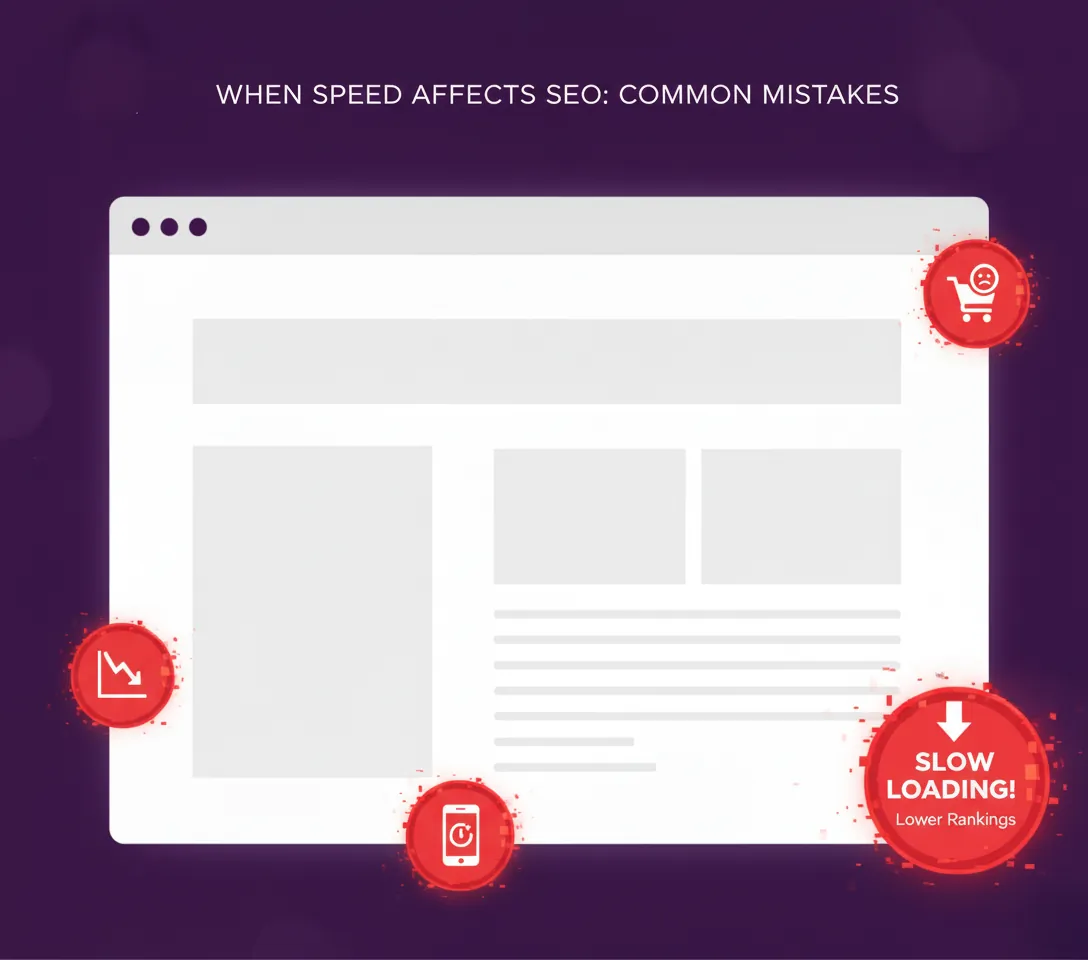
Common mistakes include over-optimising images until they look pixelated on mobile devices, installing multiple caching plugins that conflict with each other, and making changes without testing first (always create backups).
Others focus only on test scores while ignoring real user experience, or optimise desktop speed but ignore mobile performance.
Web Design and SEO in the Irish Market
Irish customers are used to Amazon and Google, so a slow local site can look out of place beside them. Mobile speed matters most.
The Role of Web Design in Website Performance
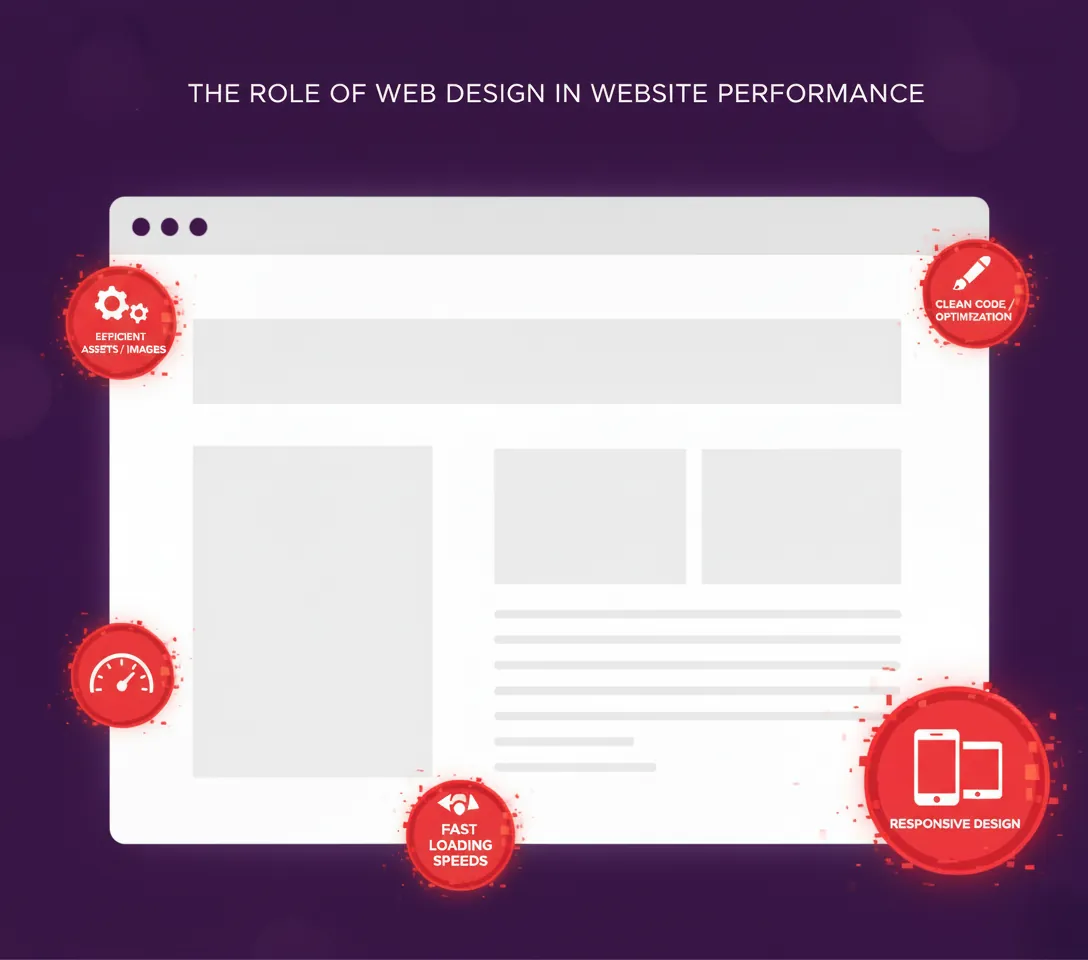
Professional web design focuses on both aesthetics and performance. The design of your website directly impacts loading speed.
Effective web design includes optimised image selection and compression, clean efficient code structure, mobile-responsive layouts that load quickly, and strategic use of graphics and animations.
Poor website design creates bloated file sizes and slow loading, inefficient code that hurts performance, mobile layouts that don’t adapt properly, and excessive visual elements that delay loading.
This is why SEO and web design must work together from the start of any project. Web designers who understand SEO create sites that perform well in search results.
Need Professional Help?
DIY optimisation works great for basic image compression, simple plugin installations, standard caching setup, and content cleanup.
Call professionals when Core Web Vitals scores stay red despite basic optimisations, you’re not comfortable editing code, your site has complex functionality, you want to focus on running your business, or you want more from your search rankings than basic fixes can give.

Working on your site’s speed
Our speed optimisation process includes comprehensive site audit and benchmarking, custom optimisation strategy development, technical implementation and testing, performance monitoring and fine-tuning, plus ongoing maintenance and updates.
Dave McCormack is the owner of Bubblehub Media, a web design and SEO agency in Ireland. He works on technical SEO and website optimisation.
If you want to talk through your site’s speed, contact us. No obligation.